How service providers can build trust
How service providers can use clear profiles, packages, evidence, and communication to create better bookings.
Service work depends on trust before the job starts and proof after the work is done.
Make your profile useful
Add the categories you handle, your service area, packages, portfolio items, and accurate availability. A complete profile helps customers choose with less back-and-forth.
Useful profile details include:
- The exact services you handle.
- Your location, service radius, or online availability.
- Your typical response time.
- Starting rates or package prices where possible.
- Portfolio examples or proof of completed work.
- Verification and trust signals when available.
Set expectations before work starts
Confirm scope, time, price, materials, cancellation expectations, and what counts as completion. If a customer expects one thing and the provider plans another, the dispute usually starts before the work even begins.
Use evidence well
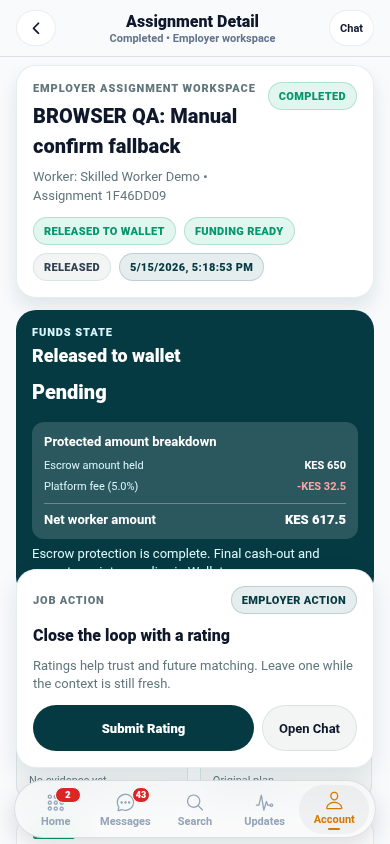
For work that needs confirmation, photos, notes, and status updates help both sides agree on progress and completion.
Good evidence should show:
- What was done.
- When it was done.
- Where it was done if location matters.
- Any before and after details.
- Any customer approval or handoff moment.
Keep communication in Zaruni
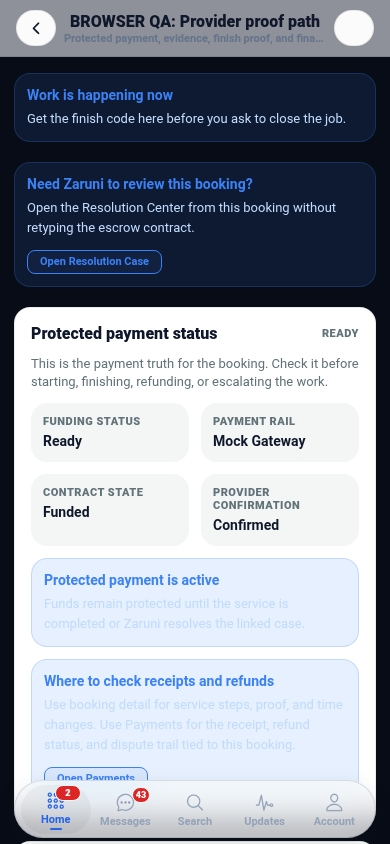
When the booking, messages, proof, receipt, and support path stay in Zaruni, both sides have a better record. This helps providers protect their work history and helps customers understand the service status.
Download Zaruni to build a service profile with clearer booking records.