What to do when a transaction has a problem
The safest first steps when an order, job, service, delivery, or payment does not go as expected.
Problems should be handled early and with clear records.
First steps
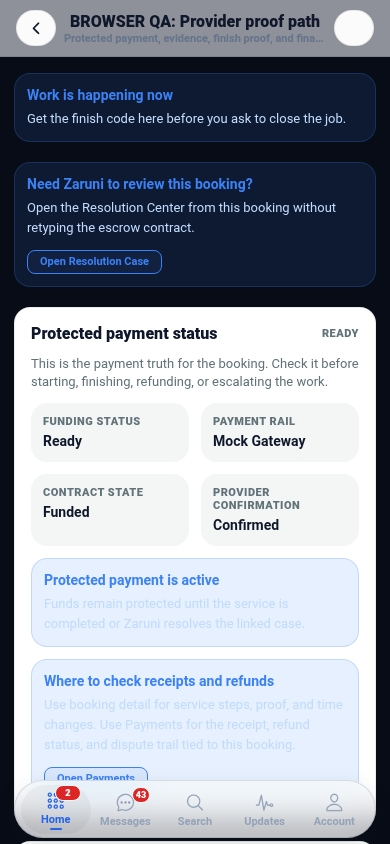
- Check the latest status in the app.
- Read the transaction messages and proof records.
- Send a clear message explaining what changed.
- Keep screenshots, delivery notes, or receipts if they matter.
- Open Zaruni Support if the issue cannot be resolved directly.
What to include when you report
A good support request should include:
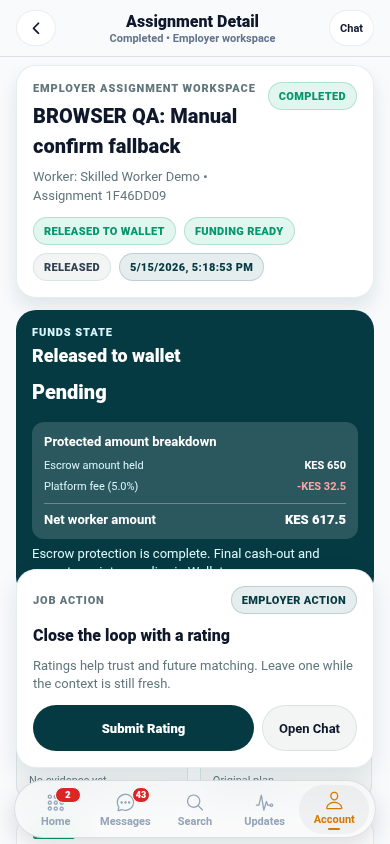
- The order, job, service, delivery, payment, or receipt reference.
- A short explanation of what you expected.
- A short explanation of what happened instead.
- Relevant proof, photos, notes, or delivery details.
- The latest message or agreement if it matters.
Clear reports help support review faster and reduce repeated questions.
What not to do
Do not share passwords, OTP codes, or private account credentials. Do not move sensitive payment or dispute communication outside the app if the transaction is already on Zaruni.
Why support context matters
Support works better when the ticket is tied to the correct order, job, service, delivery, or payment record.
When to escalate quickly
Open support early if there is suspected fraud, account access trouble, payment mismatch, delivery handoff dispute, safety concern, or a seller/provider/customer stops responding after a transaction has started.
If you can access the app, use Support Inbox first. If you cannot sign in, use the website support page.