How customers should choose a service provider
A customer checklist for comparing service profiles, scope, price, proof, and communication before booking.
Choosing a service provider is not only about price. The right provider should understand the work, communicate clearly, show relevant experience, and agree on what counts as completion.
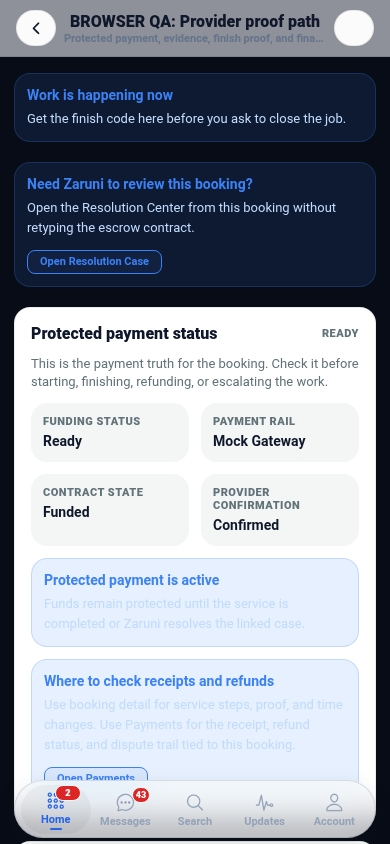
Zaruni helps customers review provider context and keep booking records, messages, proof, receipts, and support tied together.
Start with the service profile
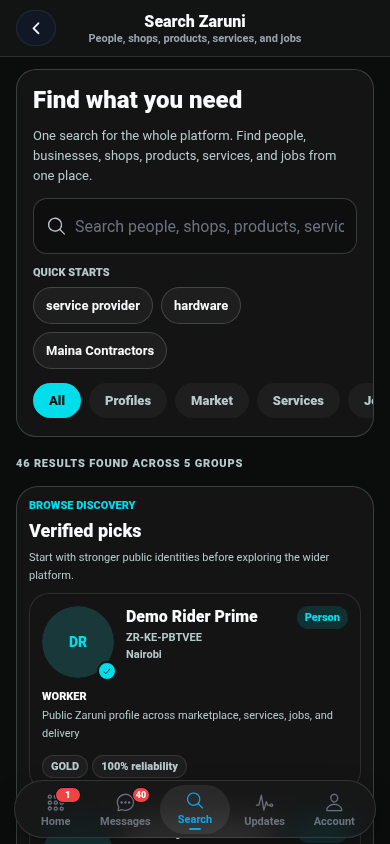
Look for a profile that explains what the provider actually does. A complete profile helps you compare providers without guessing.
Check:
- Service categories.
- Location or service area.
- Online or in-person availability.
- Portfolio or examples.
- Starting rates or packages.
- Response expectations.
- Verification or trust signals where visible.
If a profile is unclear, ask questions before booking.
Define the scope
Most service disputes begin with unclear scope. Before work starts, agree on what is included and what is not.
Clarify:
- The exact service requested.
- Materials or equipment needed.
- Timeline and availability.
- Price, transaction lock terms, or payment milestones.
- Cancellation or rescheduling expectations.
- What proof or approval marks completion.
Compare more than price
The cheapest option is not always the best option. Consider response quality, relevant experience, clarity, location, availability, and whether the provider asks useful questions before accepting.
A good provider should be able to explain how they will handle the work.
Keep messages in the app
Keep important agreements inside Zaruni. If support needs to review later, messages tied to the booking are easier to understand than separate phone calls or screenshots from other apps.
Important messages include:
- Scope changes.
- Price changes.
- Arrival or completion updates.
- Proof notes.
- Customer approval or rejection.
Review proof before closing
When the work is done, review the proof or completion notes before marking the service complete. If something is missing, explain it clearly and attach relevant evidence.
Good proof can include photos, notes, before and after details, handoff confirmation, or customer approval.
When to contact support
Open support if the provider stops responding after the booking starts, the service delivered is materially different from the agreement, payment state is unclear, or there is a safety concern.
Use the app Support Inbox first when possible. If you cannot sign in, use the website support page.
Get Zaruni to book services with clearer records.