How to sell safely on Zaruni
Simple habits that help sellers keep local orders organized, clear, and easier to support.
Selling locally works best when buyers can understand what they are buying and what will happen next.
Keep listings clear
Use accurate product names, prices, photos, pickup or delivery expectations, and stock status. A clear listing reduces repeat questions and makes support review easier if a problem appears later.
Good listing basics:
- Use photos that show the actual item or a clear representative product.
- State the price and what is included.
- Keep stock status current.
- Explain pickup, delivery, or fulfilment expectations.
- Update the buyer before the transaction moves forward if something changes.
Use in-app records
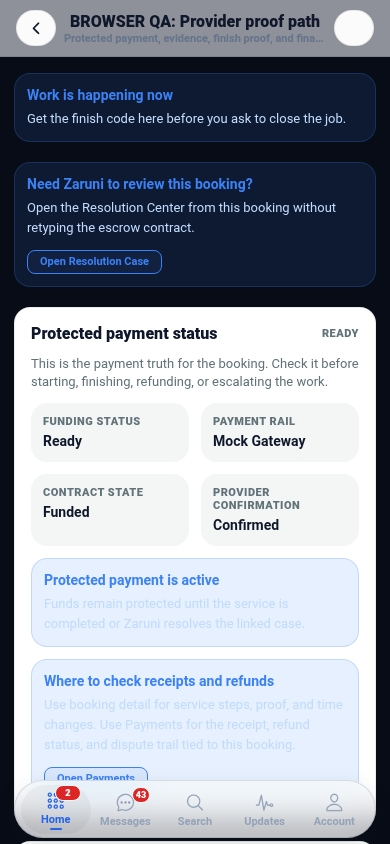
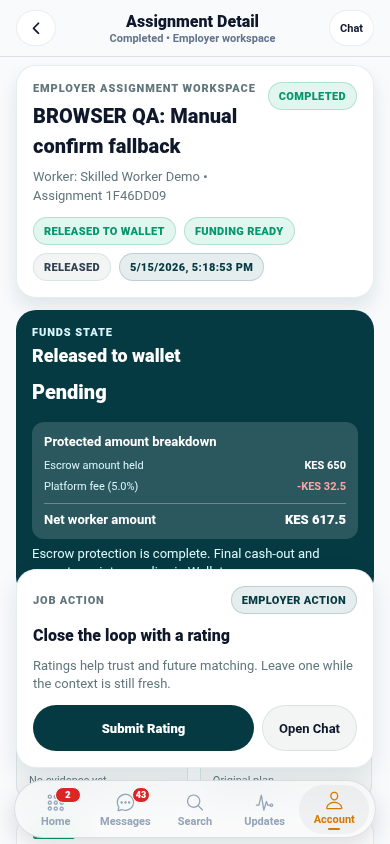
When messages, payment status, delivery, and proof stay inside Zaruni, both sides have a clearer record. This is important if support needs to review an issue later.
Confirm before fulfilment
Before dispatch, pickup, or handoff, confirm the buyer, delivery point, item, price, and payment status. If the order needs proof, make sure the evidence is clear enough to show what was handed over and when.
Respond early
Most disputes become harder when nobody responds. A quick update can prevent confusion, cancelled orders, and support escalation.
Build public trust over time
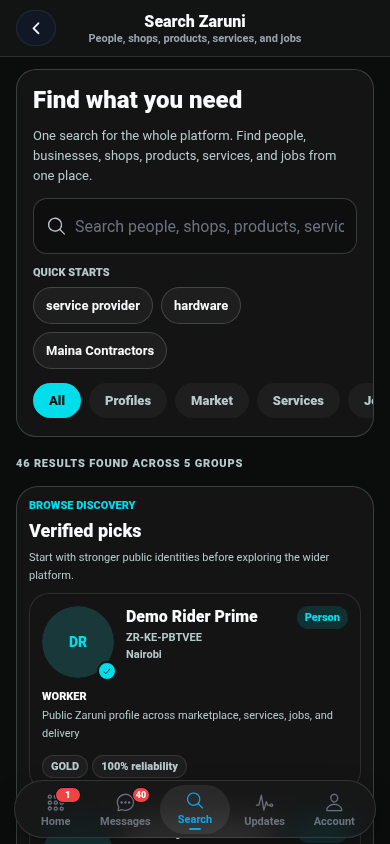
A complete shop profile, accurate products, reliable fulfilment, and clean support history make it easier for new buyers to choose you. Zaruni’s public shop pages can help people discover your business, while the app keeps buying, chat, delivery, receipts, and support connected.
Get Zaruni to manage local selling with clearer records.