Service Provider Guide: Getting Hired, Managing Gigs, and Securing Payouts
A comprehensive handbook for local service providers on navigating client bookings, utilizing transaction locks, and securing timely payouts.
As a local plumber, electrician, tutor, mechanic, or freelancer, building a steady flow of customers while ensuring you get paid on time can be challenging. Traditional gig work is often plagued by clients who delay payment, dispute rates after work is complete, or cancel bookings last minute without compensation.
Zaruni is built from the ground up to solve these pain points. By introducing verified identities, clear digital service scopes, and automated transaction lock protection, we make sure that when you work, your earnings are safe and guaranteed.
Here is a step-by-step guide to setting up your provider profile, winning clients, and securing payouts on Zaruni.
1. Setting Up a Trustworthy Provider Profile
Before customers book your services, they want to feel confident in your skills. A complete and professional profile is your best marketing tool.
- List Your Services Clearly: Break down your services into specific offerings. Instead of listing “General Handyman,” create individual items like “Leaking Tap Repair,” “Ceiling Fan Installation,” or “Cabinet Repair.” Specify base rates and what they include.
- Add Real Work Photos: Upload clean, high-resolution photos of your past work. Before-and-after photos are highly effective for building immediate credibility.
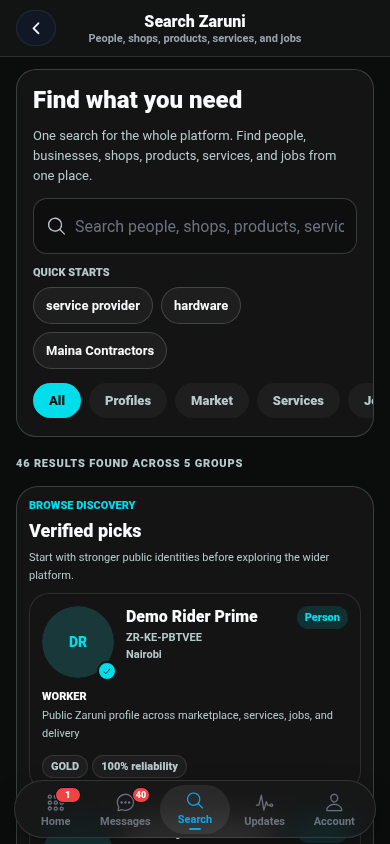
- Complete Verification (KYC): Get the Verified Badge by submitting your identity document and any relevant certifications. Verified accounts receive up to 3x more bookings and are highlighted in customer search results.
2. The Booking Phase: Defining the Scope
When a customer wants to hire you, they will send a booking request or order message.
Critical Agreement Checklist:
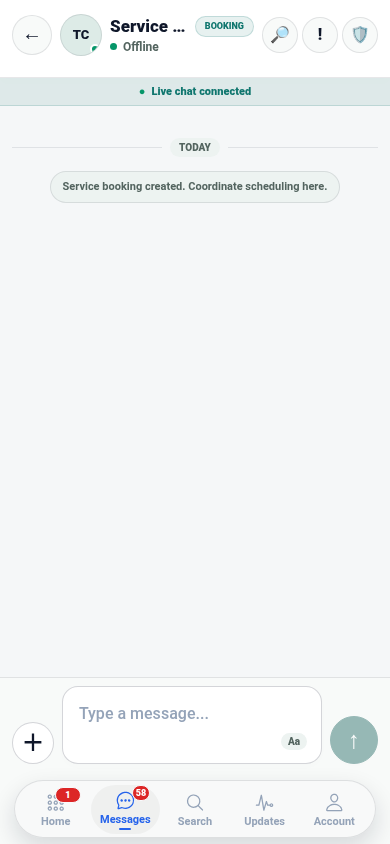
- Clarify the Requirements: Use Zaruni Chat to ask for photos of the job site or item. Understand the scope before confirming the price.
- State What is Excluded: If materials (pipes, paint, replacement parts) are not included in your service price, clearly state this in chat.
- Send the Official Offer: Always use the in-app booking/quote tool to submit your price. Never agree to a total price solely in chat without updating the booking record.
3. Secured in a Transaction Lock: How Payments are Protected
Once you accept the booking, the customer must secure the funds.
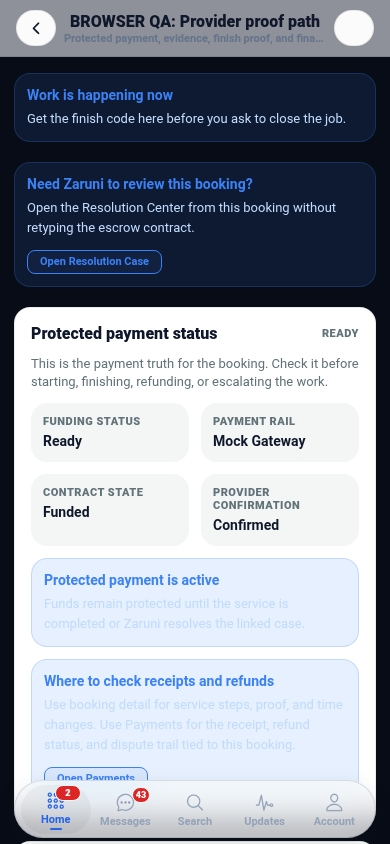
[!IMPORTANT] Never start travel or work until the app status shows “Payment Secured under Transaction Lock”.
When the customer pays, the funds are held securely by our licensed partners. This proves the customer has the money and intends to pay. It also guarantees that once the job is completed according to the agreed scope, the funds will be released to you.
If a customer asks you to start work and says “I will pay you cash later” or “I’ve already paid offline,” refuse. Advise them to complete the payment within the app so that both parties are protected.
4. Performing the Work and Documenting Proof
To protect yourself against unjustified disputes, document your progress step-by-step.
- Check-In on Arrival: Update your booking status to Arrived when you reach the customer’s location. This logs your coordinates and arrival time.
- Take “Before” Photos: Snap photos of the condition of the job site before you touch anything.
- Take “After” Photos: Once complete, take clear photos showing the fixed item or finished service.
- Keep Communications in the App: If the customer asks for extra work while you are on site, send a revised offer through the app and have them accept it before performing the extra tasks.
5. The Handoff: Scanning the QR Code
When the job is complete, you need to initiate the payout process:
- Open the active booking in your Zaruni App and tap Mark Completed.
- The app will generate a Handoff QR Code on the client’s screen or request you to scan theirs.
- The Client’s Scan: Present your completion screen to the client, or scan their receipt QR code.
- Instant Payout: Once the QR code is scanned, the transaction lock is automatically settled and the funds are released to your Zaruni Ledger Balance.
If the client is not present (for example, you repaired a lock at a rental property and the owner is elsewhere), upload the “After” photos as completion proof through the app. The client will be notified to review and release payment remotely.
6. Claiming Your Payouts
Funds in your Zaruni Ledger Balance can be claimed as a payout at any time:
- Mobile Money (M-Pesa): Payouts are processed instantly, 24/7.
- Bank Transfers: Standard processing times apply depending on your financial institution.
- Zero-Fee Internal Transfers: Transfer balance to other Zaruni users (e.g., to pay a supplier or partner rider) with zero fees.
By following this workflow, you protect your business, earn positive reviews, and ensure you get paid for every single hour of hard work you put in. Welcome to the future of local gig work with Zaruni!