Buyer Guide to Safe Shopping on Zaruni Marketplace
A comprehensive guide for buyers on navigating local listings, secure communication, placing orders, and confirming handoffs safely.
Shopping on local marketplaces shouldn’t feel like a leap of faith. In a traditional online classifieds setup, buyers are frequently exposed to scams, misleading listings, or low-quality items, often with no recourse once money changes hands.
Zaruni redesigns this experience entirely. By combining verified profiles, secure chat, real-time rider tracking, and lock-based transactional ledger protection, we make local shopping as safe and reliable as buying from an international retailer.
Here is your complete guide to browsing, buying, and confirming your orders safely on Zaruni.
1. Finding Items and Evaluating Sellers
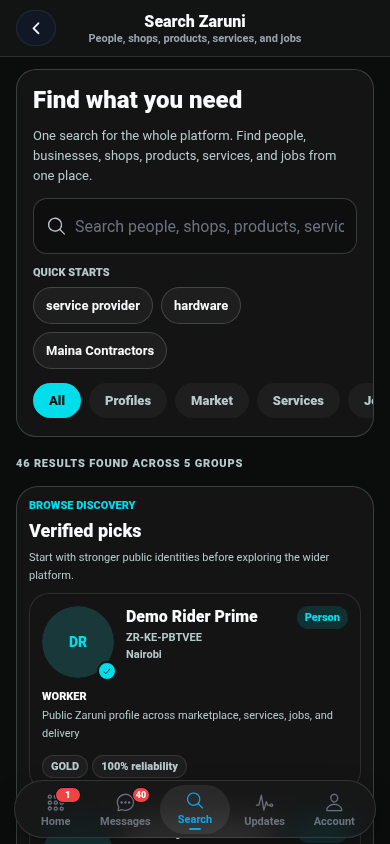
When you search for items in the Zaruni Marketplace, you will find listings from both everyday local sellers (C2C) and registered businesses (B2C).
- Review Seller Profiles: Tap on the seller’s name to view their profile. Look at their rating, completion rates, and feedback left by previous buyers.
- Check the Description: Carefully read the product description, specifications, and warranty details. Note whether delivery is included or if it will be calculated separately.
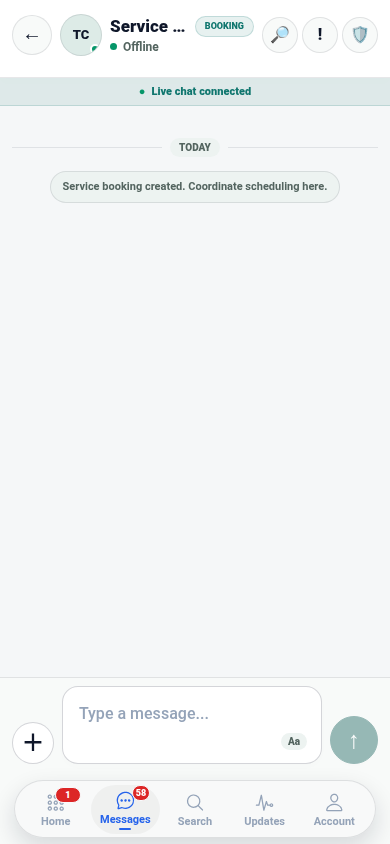
- Ask in Chat: Use the Chat button on the listing to ask the seller direct questions. Clarify item condition, ask for extra photos in real-time, or verify when the item can be dispatched.
2. Placed and Secured: How Orders Work
When you are ready to buy, tap the Buy Now or Order button. The app will guide you through entering your delivery address and selecting your preferred payment method.
The Checkout Process
- Set Your Fulfillment Preference: Choose whether you want to Pick up the item in person or have it Delivered by a verified Zaruni rider.
- Secure Your Locked Transaction: Pay using your Zaruni Ledger Balance. These funds are debited from your account but are not sent to the seller yet. Instead, the transaction state is locked, with the underlying funds held securely by our licensed payment partners.
- Order Acknowledgment: The seller receives a notification that you have placed the order and that the transaction state is locked. They are instructed to dispatch the item.
3. Coordinating and Tracking Deliveries
Once the order is confirmed, the seller prepares the item for handoff.
- If Using In-App Delivery: The app will automatically pair the order with a Zaruni delivery rider. You can track the rider’s progress in real-time on the map and see their contact details.
- Keep Communication In-App: Coordinate delivery timing and drop-off instructions using Zaruni Chat. Keeping these details inside the app ensures that we have a record in case there are delivery location issues.
4. The Handoff: Inspect and Confirm
The moment of delivery is the most critical phase of the transaction. This is where you check what you paid for before releasing the funds.
Step-by-Step Inspection Checklist:
- Open and Check: Ask the rider or seller to wait while you open the package and inspect the item.
- Check Functionality: If buying electronics, plug it in or power it on. If buying clothing, check the size and quality.
- Scan the QR Code: Once you are fully satisfied that the item matches the listing and is in the promised condition, let the rider or seller scan your order’s Receipt/Handoff QR Code.
- Confirm Release: Tap Confirm Receipt in your app. This instructs our system to update the transaction state and release the locked funds via our licensed payment partners directly to the seller’s ledger balance.
[!WARNING] Never let a rider or seller pressure you into scanning the QR code or clicking “Confirm Receipt” before you have inspected the item. Once you confirm receipt, the locked transaction is settled and funds are disbursed to the seller, and we cannot reverse the transaction.
5. What to Do If There is a Problem
If the item is damaged, defective, or does not match the listing description:
- Refuse the Delivery: Explain to the rider or seller that the item does not match. Do not scan the QR code.
- Raise a Dispute: Go to the order details in your Zaruni app and tap Raise Dispute. Choose the reason (e.g., “Item not as described” or “Item damaged”).
- Provide Proof: Take clear photos of the defect or discrepancy and upload them through the dispute interface.
- Support Mediation: Our dispute team will review the case. If the item is indeed incorrect or damaged, we will cancel the transaction state and return the locked balance to your Zaruni Ledger Balance in full.
By adhering to these simple safeguards, you can shop locally with absolute peace of mind. Happy shopping on Zaruni!