How Zaruni protects local orders
A practical look at the records Zaruni keeps around orders, delivery, proof, receipts, support, and disputes.
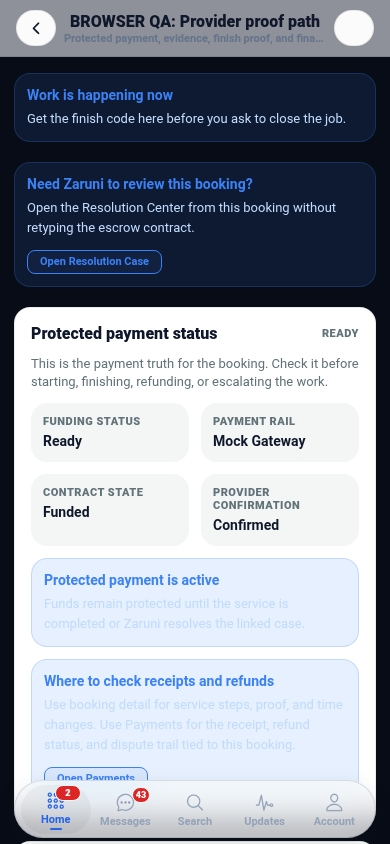
Local orders can fail for ordinary reasons: the item changes, delivery takes longer than expected, the wrong person receives the package, or payment status is unclear. Zaruni is built to reduce that confusion by keeping the order, messages, fulfilment steps, proof, receipts, support, and dispute history connected.
Good records do not make every order perfect, but they make it easier for everyone to understand what happened.
What Zaruni records
- Order details, item information, price, and status changes.
- Buyer, seller, and delivery context.
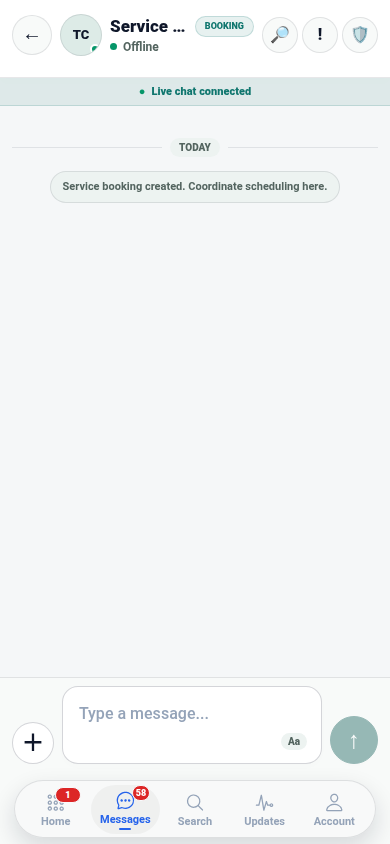
- Messages tied to the order.
- Delivery, handoff, and proof events when required.
- Receipts, settlement state, reversals, and dispute status.
- Support notes when the issue needs review.
Before placing an order
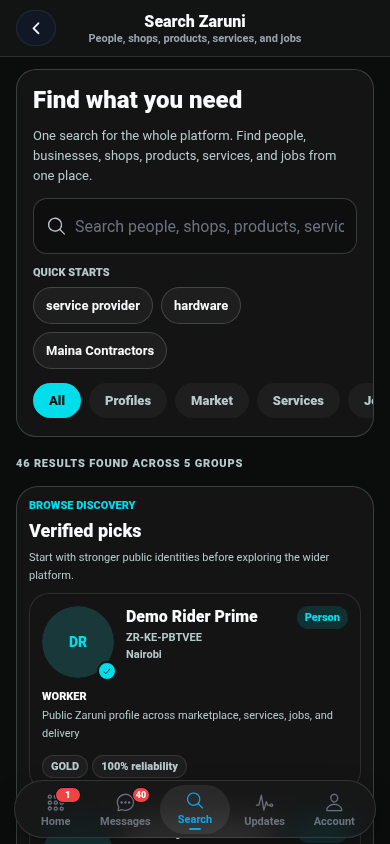
Review the shop profile, product description, price, fulfilment method, and any visible trust signals. If something is unclear, ask inside Zaruni before the order moves forward. Keeping the conversation inside the app helps support understand the context later.
During delivery or pickup
Check status updates and confirm the delivery or pickup details. If proof is required, make sure the proof matches what happened: the item, location, recipient, and time should be clear enough for review.
If something changes
Use the order messages first. Explain the issue clearly, share the relevant proof, and avoid moving the dispute to private channels where Zaruni cannot see the context.
Why this matters
When records are connected, users do not need to rebuild the story from screenshots and memory. Support can review the order, messages, proof, payment state, and dispute history from the same workflow.
What users should still do
Zaruni gives clearer records and support paths. Users should still review profile and listing details, confirm delivery information before settlement, and report suspicious activity early.
Ready to keep local orders easier to track? Download Zaruni.