How reversals and disputes work on Zaruni
A practical guide to raising problems early, keeping evidence clear, and understanding what support can review.
Reversals and disputes are easier to handle when the transaction record is clear. The most important thing is to raise the issue early, explain it plainly, and keep the evidence connected to the correct order, service, job, delivery, or settlement.
Zaruni is designed to keep chat, proof, delivery state, receipts, and support in context. That does not guarantee every dispute will end the way one side wants, but it gives everyone a better record to review.
Start with the transaction record
Before opening a dispute, check the latest status:
- Order, job, or service status.
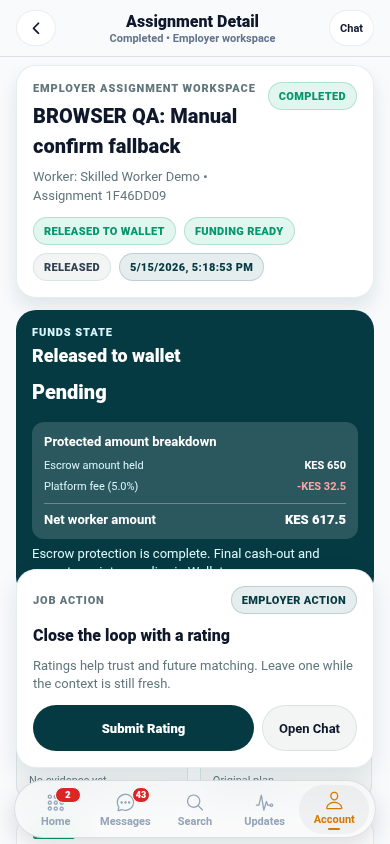
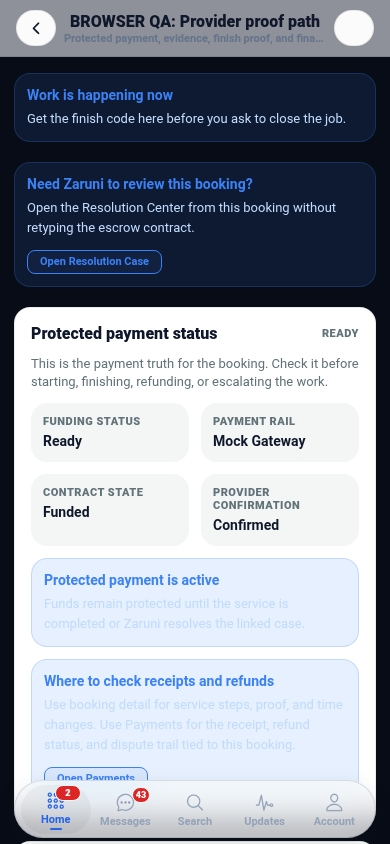
- Settlement and receipt state.
- Delivery or handoff proof.
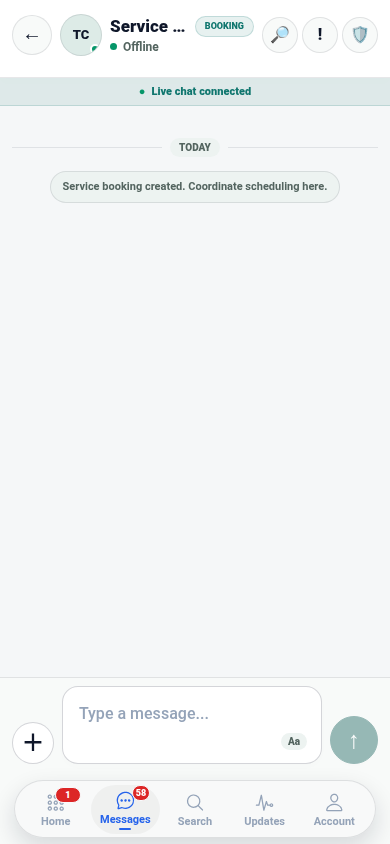
- Messages and agreements.
- Reversal or cancellation notes.
Sometimes the issue is a missing update rather than a true dispute. If the other side can still respond and resolve it, use the transaction messages first.
When to open support
Open support when the issue cannot be resolved directly or when there is risk that needs review.
Common reasons include:
- Funds locked but item or service was not delivered.
- Delivery proof does not match what happened.
- Item arrived damaged, incomplete, or different from the listing.
- Service scope or completion is disputed.
- Receipt or settlement state is unclear.
- One side stops responding after a transaction has started.
- Suspected fraud or account access concern.
What to include
A good dispute report should be short, specific, and evidence-based.
Include:
- The transaction reference.
- What you expected.
- What happened instead.
- Relevant proof, photos, notes, or settlement details.
- The latest agreement or message if it matters.
- What resolution you are asking for.
Avoid long emotional messages without evidence. Clear facts help support review faster.
How reversals should be discussed
Reversals should stay tied to the transaction record. If a seller, provider, buyer, or customer agrees to a reversal, keep that agreement in the app messages or support record where possible.
Confirm:
- Reversal amount.
- Reason for reversal.
- Who approved it.
- Whether delivery, service, or product return is required.
- Expected timing.
What Zaruni support can review
Support can review records connected to Zaruni workflows: transaction status, messages, proof, receipts, delivery events, support notes, and dispute history.
Support cannot reliably review private conversations, cash agreements, or proof that happened completely outside the app. That is why keeping the workflow inside Zaruni matters.
What users should still do
Users should still review profiles, prices, terms, proof, and delivery details before committing. Zaruni improves records and support paths, but it does not replace user judgment.
If you can sign in, use the app Support Inbox first. If you cannot access the app, use the website support page.