
SecureGen
Generate strong passwords and passphrases instantly.
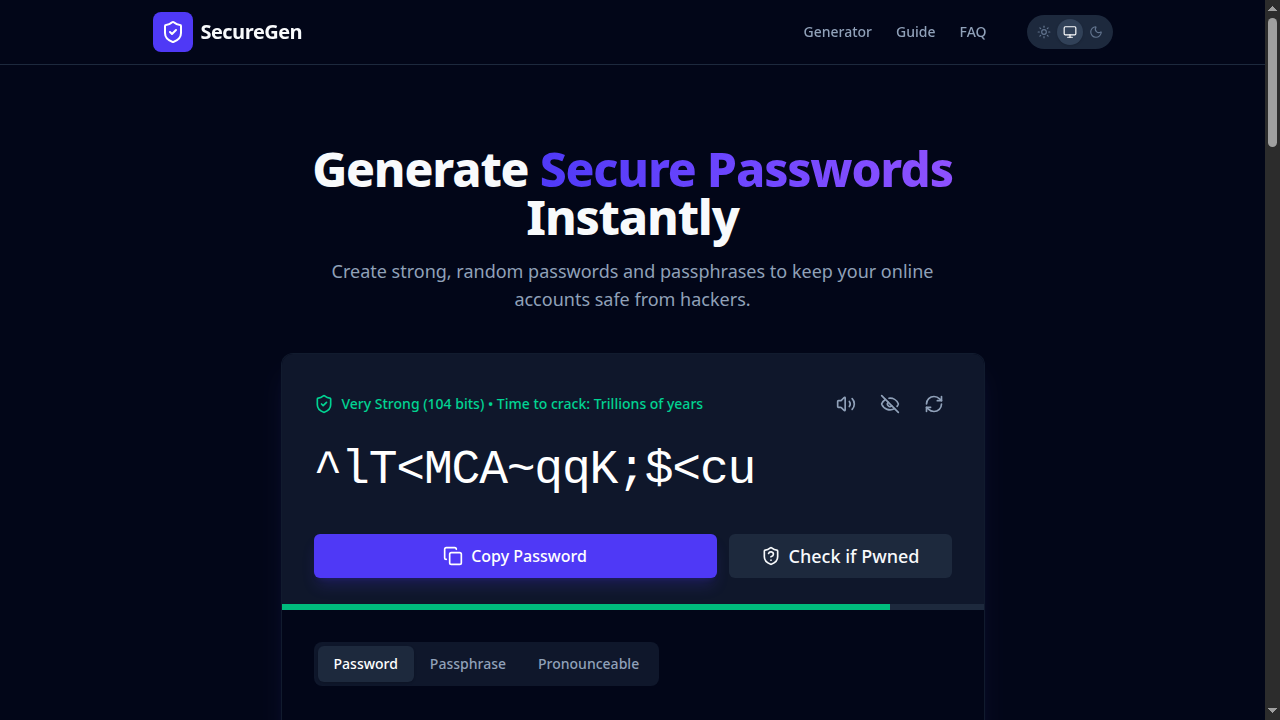
SecureGen creates cryptographically strong passwords and memorable passphrases instantly in your browser. Customise the length, include or exclude symbols, numbers, uppercase, or choose a passphrase style. Each result comes with an entropy estimate so you know exactly how strong it is. Nothing is ever sent to a server.
Features
What SecureGen does.
Cryptographically random
Uses your browser's built-in cryptographic random number generator — the same standard used in security software.
Entropy estimation
See exactly how strong each password is, measured in bits of entropy — so you can make an informed choice.
Passwords & passphrases
Generate traditional character-based passwords or memorable word-based passphrases — your choice.
Nothing sent anywhere
All generation happens in your browser. Your passwords are never transmitted to any server.
Ready to use
Open SecureGen
Free. No account. Works instantly in any modern browser.
FAQ
Common questions about SecureGen
Is SecureGen safe to use for real passwords?
Yes. SecureGen uses the Web Crypto API (window.crypto.getRandomValues) which is cryptographically secure. No data ever leaves your browser.
What is entropy and why does it matter?
Entropy measures how unpredictable a password is. Higher entropy means it takes exponentially longer to crack. SecureGen shows you the bits of entropy for each generated password.
What is the difference between a password and a passphrase?
A password is a random mix of characters (e.g. xK8#mP2!). A passphrase is a sequence of random words (e.g. correct-horse-battery-staple). Passphrases are often easier to remember but equally secure when long enough.