
Browser IDE
Write and run HTML, CSS and JavaScript in your browser.
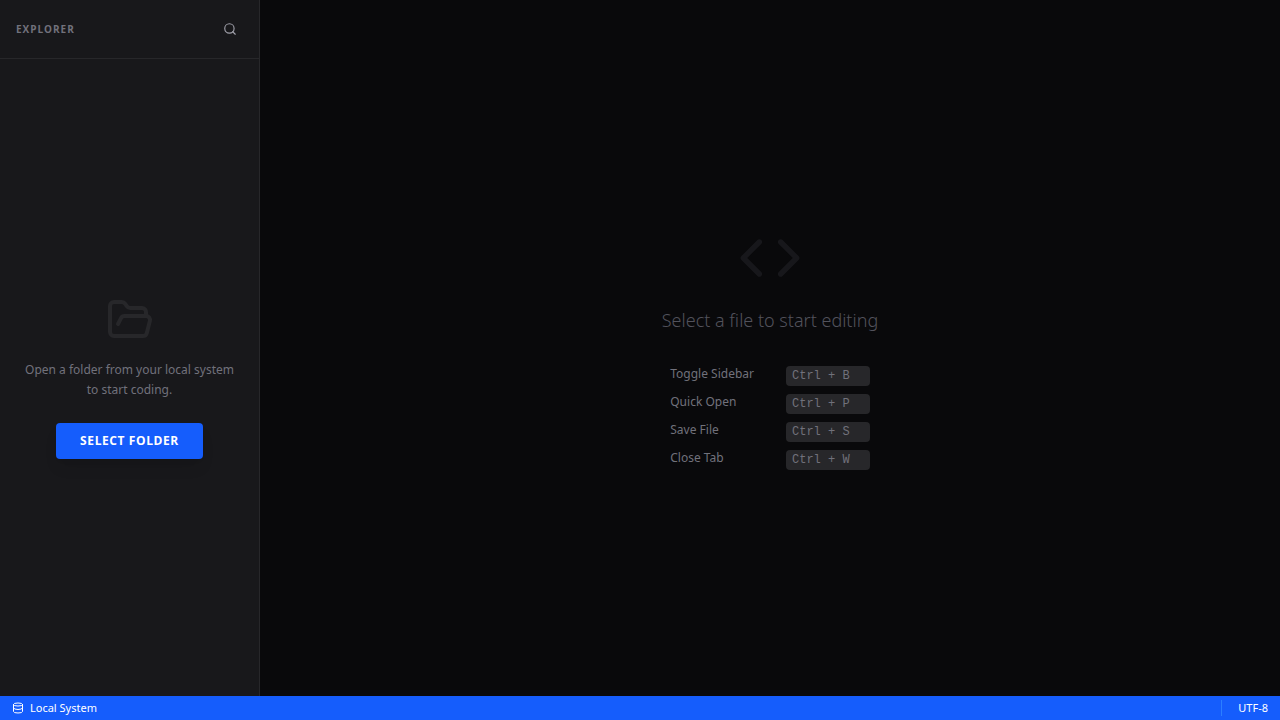
Browser IDE lets you write HTML, CSS, and JavaScript directly in your browser and see the result live beside your code. No installation, no account, no setup. Open it, start coding, and share your work. Perfect for learning, prototyping, or quickly testing an idea.
Features
What Browser IDE does.
Live preview
See your HTML, CSS, and JavaScript render in real time as you type — no need to refresh.
Multi-file support
Work with separate HTML, CSS, and JS files in one project, just like a real development environment.
No install needed
Runs entirely in the browser. No IDE to download, no Node.js, no setup whatsoever.
Completely free
No account, no subscription, no ads. Just open it and write code.
Ready to use
Open Browser IDE
Free. No account. Works instantly in any modern browser.
FAQ
Common questions about Browser IDE
What languages does Browser IDE support?
HTML, CSS, and JavaScript. The live preview renders your HTML/CSS and executes your JavaScript in real time.
Can I save my work?
Your work is saved locally in the browser. You can also share a snapshot of your project via a generated link.
Is it good for learning web development?
Yes — it is ideal for beginners learning HTML and CSS, and for anyone who wants to quickly prototype or test an idea without any setup.