How to Buy & Sell Second-Hand Electronics Safely in Kenya (M-PESA Fraud Prevention)
A complete guide to avoiding fake M-PESA SMS, reversed payments, and stolen smartphones or laptops when buying or selling locally.
Kenya’s second-hand electronics market is booming. From refurbished iPhones and MacBooks in Nairobi’s CBD to gaming consoles and smart TVs in Eldoret and Nakuru, buying second-hand items saves money—while selling unused gadgets generates quick cash.
However, peer-to-peer electronics transactions are also the primary target for scammers using fake M-PESA SMS messages, post-delivery payment reversals, or selling stolen devices.
Whether you are buying a smartphone or selling your old laptop, follow this security guide to ensure 100% fraud-free transactions.
1. Top Electronics Scams in Kenya & How They Work
🚨 The Fake M-PESA Confirmation SMS
Scammers use SMS spoofing apps to send a message that looks identical to a genuine Safaricom M-PESA confirmation SMS. Sellers who don’t check their actual M-PESA balance hand over the phone or laptop, only to discover minutes later that no money was received.
🚨 The Post-Delivery M-PESA Reversal Scam
A buyer pays via M-PESA, takes the laptop or smartphone, and immediately calls Safaricom customer care claiming they sent money to the wrong till/number by mistake. If the money hasn’t been moved, Safaricom locks the transaction during investigation.
🚨 The Deposit-First Marketplace Scam
A fraudster posts an iPhone 14 at an unrealistically low price (e.g. KES 25,000). When you message them, they claim they have multiple buyers and demand a “commitment fee” of KES 2,000 via M-PESA before meeting. Once you send the deposit, they block your number.
2. How to Inspect Second-Hand Electronics Before Paying
When meeting a seller in person:
- Check IMEI / Serial Numbers: Dial
*#06#on phones to verify the IMEI matches the box and invoice. - Test iCloud & Google Account Locks: Ensure the seller has signed out of their iCloud, Google Account, or Samsung Account completely. Never buy a device that cannot be factory reset on the spot.
- Inspect Battery Health & Ports: Test charging ports, Wi-Fi connectivity, camera focus, and speaker clarity.
3. How Zaruni Protects Buyers and Sellers
Traditional online classified sites leave buyers and sellers vulnerable because they only provide basic text listings. Zaruni changes local trade by building financial protection directly into the deal:
For Buyers 🛡️
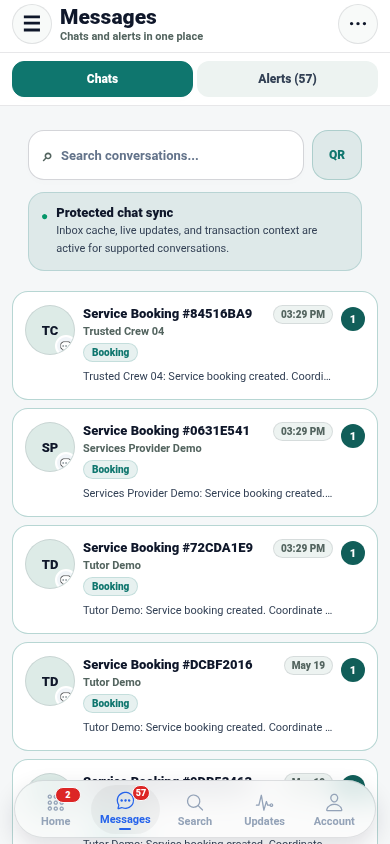
- Escrow Lock: Your payment is safely locked in Zaruni Escrow. Money is never transferred to the seller until you personally inspect the device and scan the seller’s QR code.
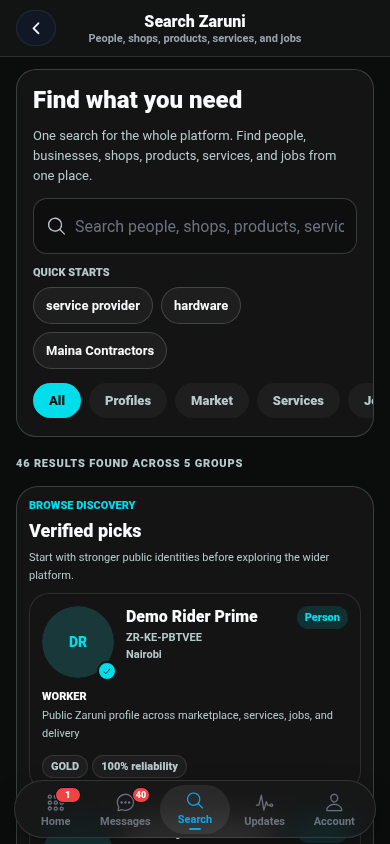
- Verified Local Shops: Buy from verified local businesses with physical store locations, customer reviews, and warranties.
For Sellers 🔒
- No Fake SMS Scams: Zaruni verifies payments directly via automated M-PESA STK Push callbacks. You never have to rely on reading SMS messages.
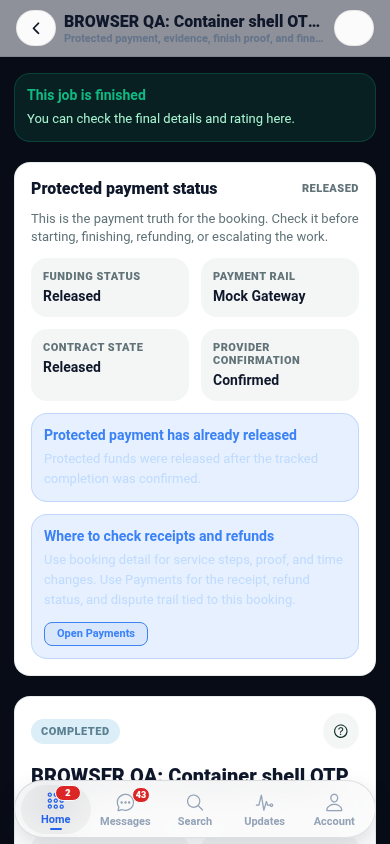
- Reversal Protection: Payments confirmed via Zaruni escrow cannot be unilaterally reversed by a buyer after handoff.
- QR Handoff Proof: When you deliver the device, scanning the single-use QR code creates an unalterable digital receipt of completion.
Shop Safely Today
Whether you are upgrading your smartphone or liquidating shop inventory, trade with complete peace of mind on Zaruni.